
We encourage all patients to complete eCheck-in forms and other tasks before their appointment.
eCheck-In is a convenient feature that allows you to complete pre-visit tasks through your MyChart account, the MyChart App, or by clicking the link in your eCheck-In email or text notification.
- You don’t need a MyChart account to use eCheck-In!
- Update your contact information and health history, add insurance information, and complete any required forms through eCheck-In before your appointment.
- You will have the option to create a MyChart account at the end of eCheck-In.
If you aren’t able to complete eCheck-In before your appointment, please plan to arrive early to your appointment to complete your forms in the waiting area before your visit.
If you have questions about eCheck-In, please call the office where your appointment is scheduled.
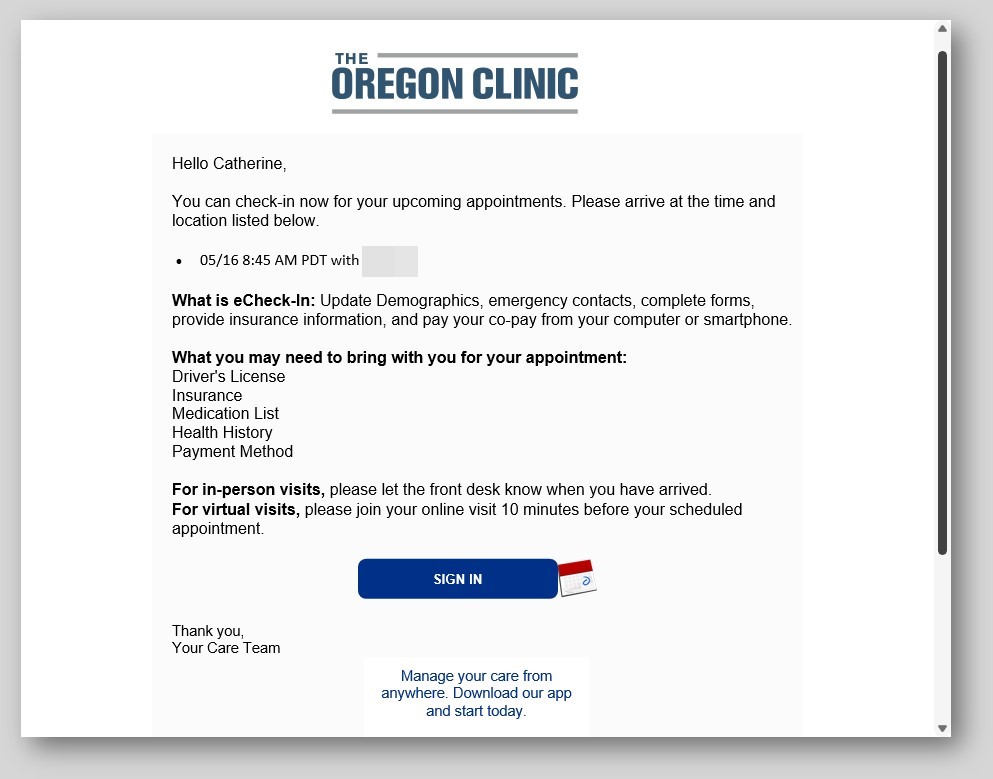
4 days before your appointment: You’ll receive a text and/or email message to eCheck-In for your appointment. You can also access eCheck-In directly through your MyChart account.
Here is an example of the eCheck-In notification:
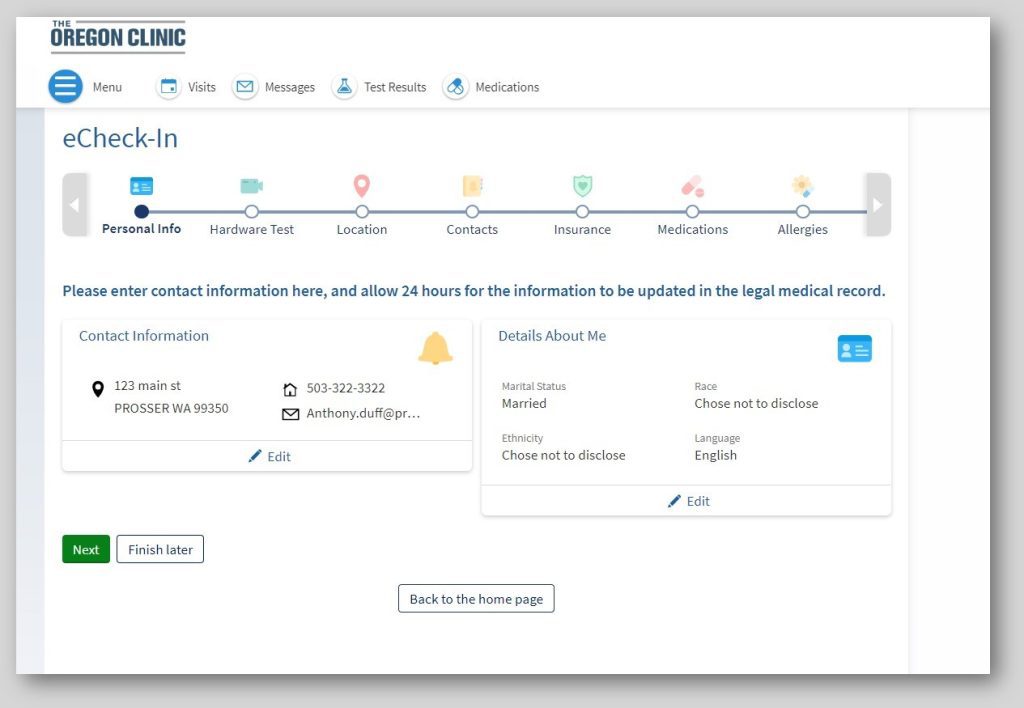
Here is an example of an eCheck-in screen:
2 days before your appointment: You will receive an appointment reminder via text, email, or/and phone, asking you to confirm your appointment.
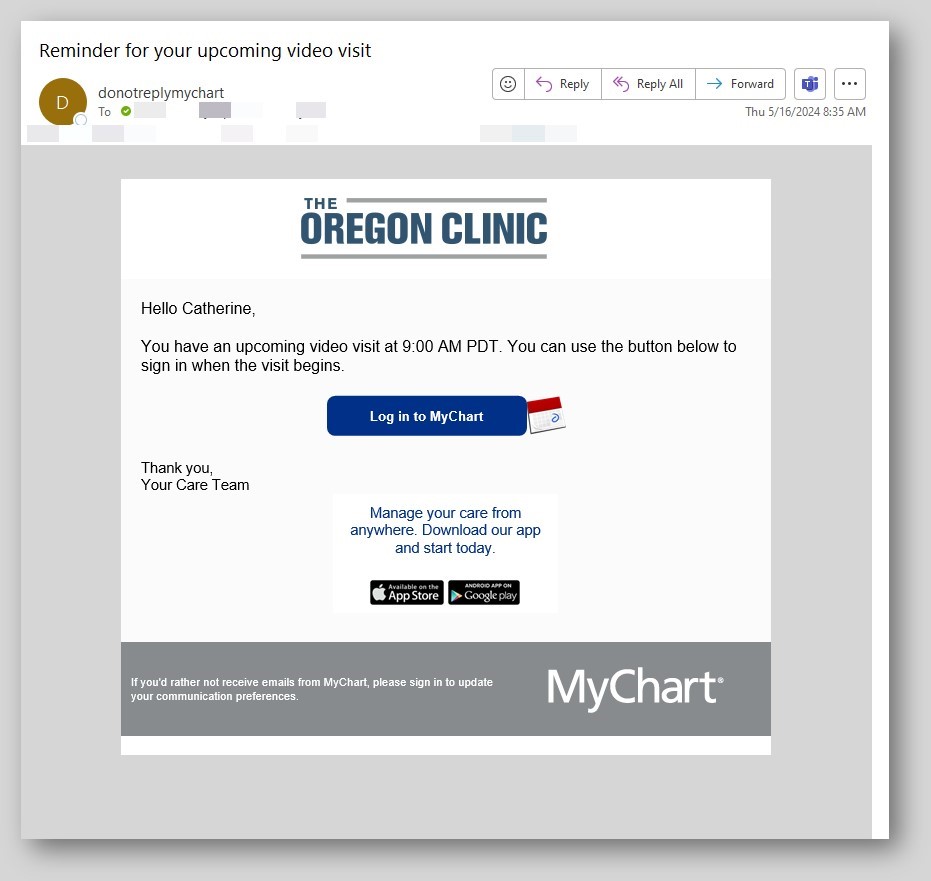
- If you have a Virtual Visit, this reminder will include a link for your Virtual Visit. Find more information about Virtual Visits here.
1 day before your appointment: You’ll receive an eCheck-In reminder if you haven’t checked in yet.